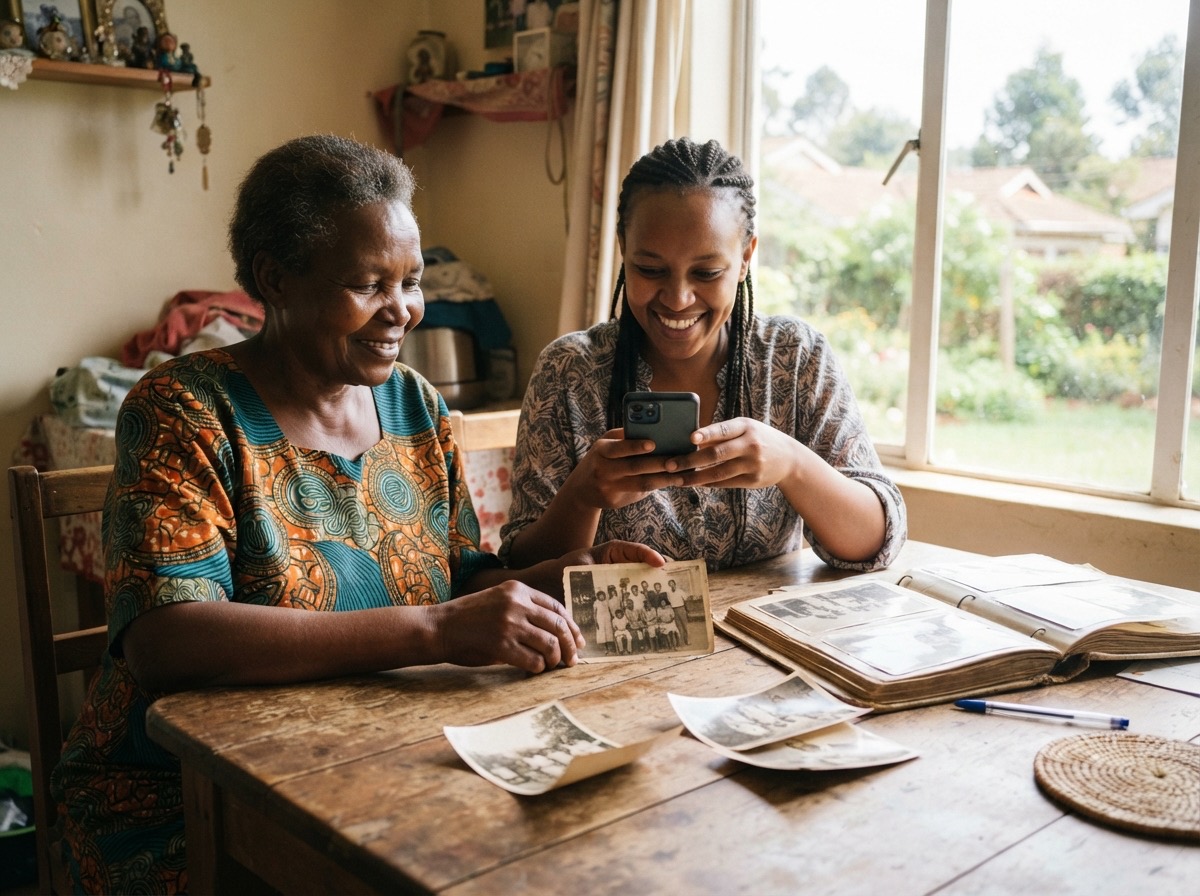
How to name the people in old photographs before nobody remembers
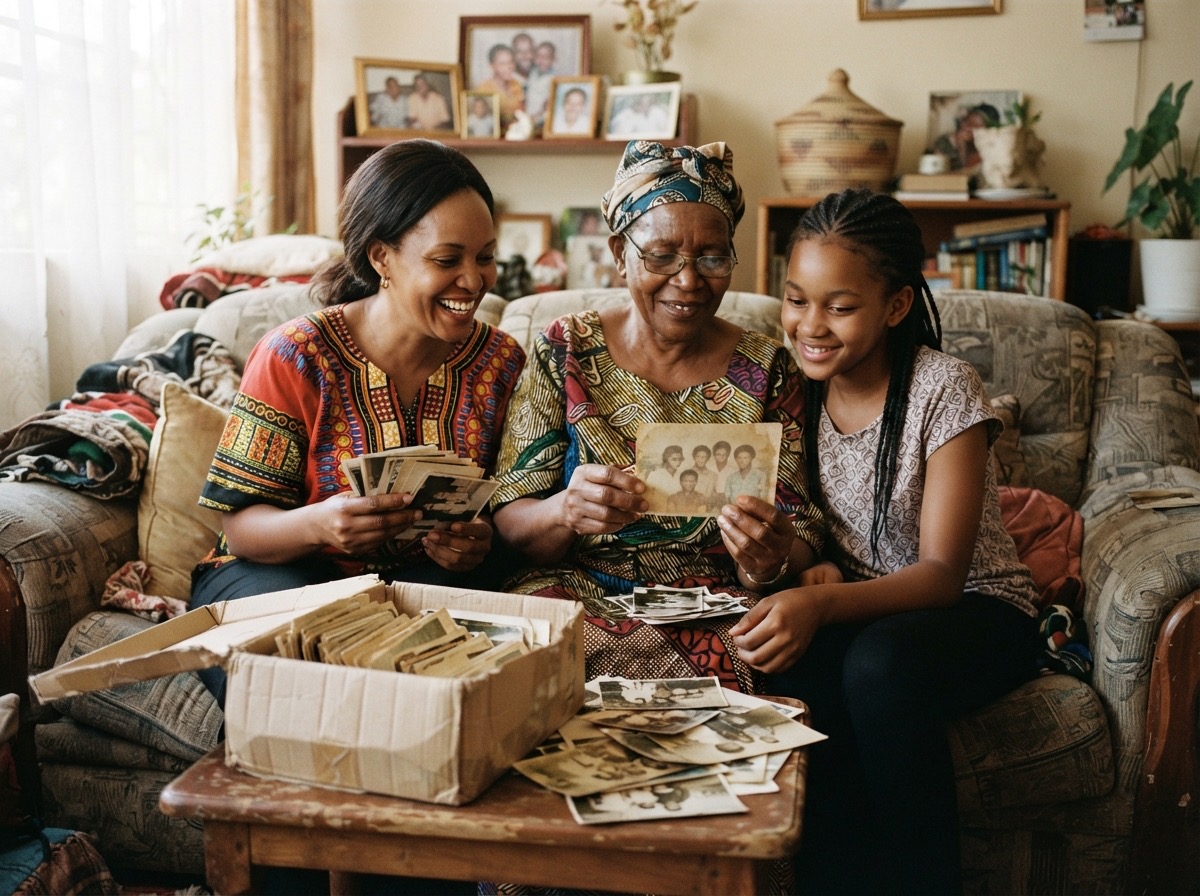
In this guide
Why this cannot waitStep 1: Gather the photographs firstStep 2: Choose the right person and the right momentStep 3: Show one photograph at a timeStep 4: Record the names where they will not be lostStep 5: Listen for the storiesStep 6: Ask more than one personCommon mistakes to avoidHow Album helps you keep the namesEvery family has them: a group photograph from a wedding in the 1970s, a row of young men in school uniform, a woman in a headscarf holding a baby on a veranda. Somebody once knew exactly who they all were. Today, perhaps one aunt still does. When she is gone, the faces become strangers.
A photograph without names is a pretty picture. A photograph with names is family history. This guide shows you how to put the names back, gently and quickly, while the people who remember are still with you.
Why this cannot wait
Memory of faces fades slowly, then all at once. The people who can name your great-grandparents are usually in their seventies or eighties. Each year, a few more names are lost for good.
It is also easier than it looks. Naming photographs is not a project of months. One afternoon with an elder and a pile of prints can save more family history than years of careful filing.
Step 1: Gather the photographs first
Before you sit with anyone, collect what you can find.
- Ask each household for their old prints, albums and frames. Many families keep a box in a bedroom cupboard.
- Take a picture of each print with your phone, so the photographs can travel even when the prints cannot. Our guide on how to scan old printed photographs with your phone explains how.
- Put the copies in one place, in rough order: oldest first, if you can tell.
Do not wait until you have every photograph. Start with the twenty that puzzle you most.
Step 2: Choose the right person and the right moment
Look for the relative with the longest memory, usually the eldest aunt, uncle or grandparent. Choose a quiet time, not the middle of a funeral or a busy family gathering. A cup of tea and a free afternoon work better than a crowd.
Tell them what you are doing and why: "I want our grandchildren to know who these people are." Most elders are delighted to be asked.
Step 3: Show one photograph at a time
Show photographs on a tablet or a large phone screen, or hold the print itself. Zoom in on faces. Older eyes need large pictures.
For each photograph, ask in this order:
- Who is this? Go from left to right, back row then front row.
- How are they related to us? "Your grandfather's younger brother" is worth as much as the name.
- Where was this taken? The town, the home, the church or the school.
- When was it? An exact year is rare. "Just before independence" or "the year the first grandchild was born" is still useful.
- What was happening? A wedding, a homecoming, a harvest, a visitor from far away.
Write down what you hear, even when it is uncertain. "Possibly Auntie Neema, the tall one at the back" is better than nothing, and someone else may confirm it later.
Step 4: Record the names where they will not be lost
A notebook is a start, but notebooks get lost too. The names need to travel with the photographs.
- On a print, write lightly on the back in soft pencil, never on the front, and never in ballpoint pen.
- On a digital copy, put the names in the caption, or tag each person, so the names stay with the picture wherever it goes.
- Record both the full name and the name the family used. Grandmother may appear in records as one name and be remembered by everyone as another.
Step 5: Listen for the stories
Naming photographs brings back stories. An uncle remembers the bicycle in the picture. A grandmother remembers the dress she sewed for that day. These stories are as precious as the names.
Keep your phone recording while you talk, with permission, or write the best stories down the same evening. Our list of 50 questions to ask your grandparents about their life can help when the conversation slows.
Step 6: Ask more than one person
Memories differ. One cousin swears the man in the hat is Uncle Baraka; another is sure it is his brother. That is normal.
Show the same unclear photographs to two or three relatives, from different sides of the family. When two of them agree, you can be fairly confident. When nobody agrees, write down both answers and the person who gave each.
Common mistakes to avoid
- Waiting for the perfect moment. Start this month, with whoever is willing.
- Naming only the famous faces. The neighbour or the house help in the corner of the photograph may matter to someone one day.
- Keeping the names in one person's head. Share them with the whole family, so the knowledge does not rest with one keeper.
- Writing with pen on the back of prints. Ink can bleed through over the years and spoil the picture.
How Album helps you keep the names
In Album, when you upload photographs you can add a caption, the date taken and the people in them for the whole batch at once. Type a name that is new and that person is added to the family tree automatically. For a photograph already in the album, open it with the pencil button to change its caption, date, place and the people in it. Then All People among the filters shows every photograph of one person, and the family tree fills itself in as you tag. The owner can download everything at any time, as one zip with every photograph and a spreadsheet of the captions, dates, people and categories.
If you want one private place where your family's photographs keep their names, together with a family tree and the stories behind them, you can start an Album and look around the demo album first.