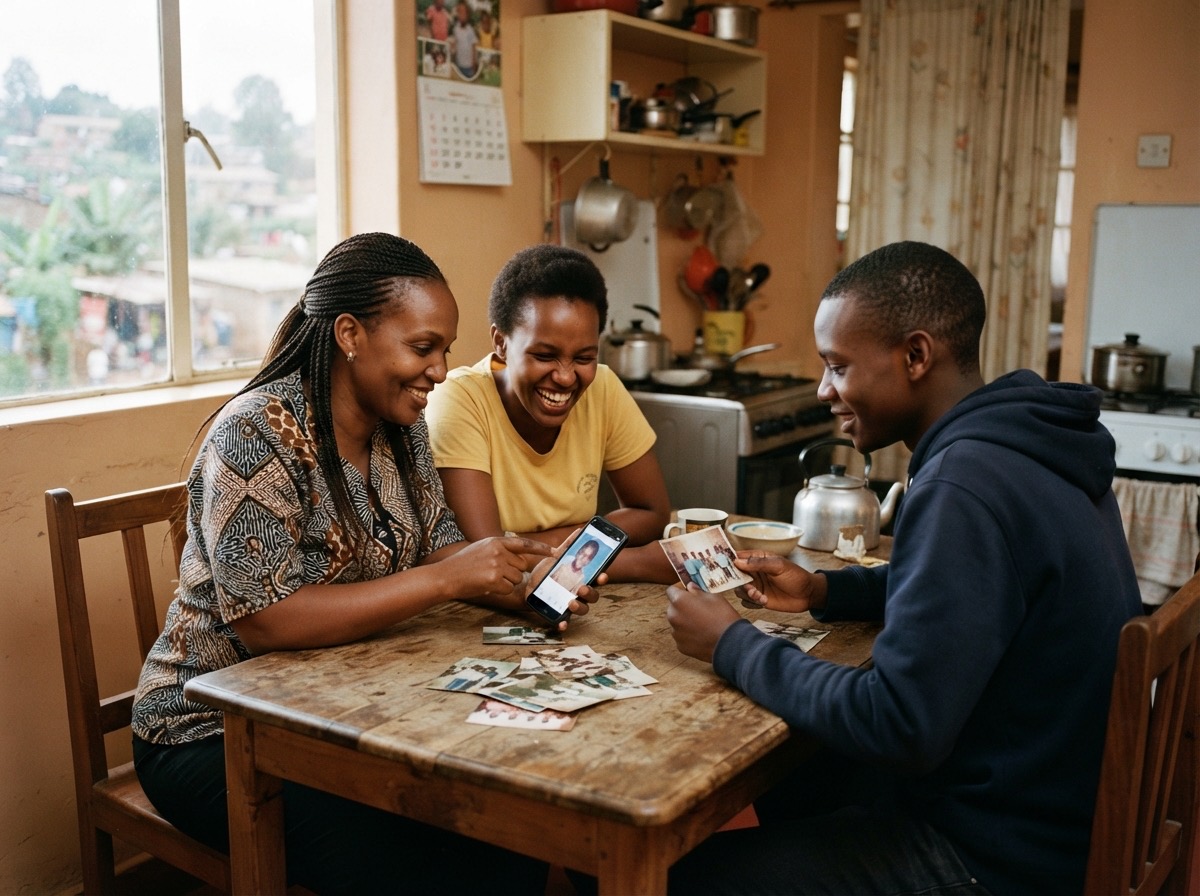
Downloading everything from your family album, any time
In this guide
Why every family should hold its own full copyWhat a good download should containHow to do it in AlbumWhat is left outWhere to keep your copyHow often to take a copyCheck it onceA short checklistWhen a family puts years of photographs, names and stories into one place, one question always comes up sooner or later: "What if I want it all back?" It is a fair question. Photographs are not like a document you can easily write again. They are the only copy of a day that will not return.
The answer should always be simple: you can take everything, whenever you like. This guide explains why that matters, what a full copy should contain, and how to look after it.
Why every family should hold its own full copy
Even the best home for your photographs should never be the only home.
- Phones are lost and drives fail. Any single place, however careful, can have a bad day.
- Families change. The person who started the album may travel, change email, or one day be no longer with us. Someone else must be able to carry on.
- Services come and go. You should never feel trapped. A family that can leave freely is a family that can stay with confidence.
- Some photographs cannot be replaced. The last picture of a grandparent, the wedding that nobody else photographed. These deserve more than one safe place.
What a good download should contain
When you ask for a full copy, look for these things:
- Every photograph at full quality, not a smaller version made for the screen.
- The details that go with them: captions, dates, categories and the names of the people in each picture. A photograph without its names is only half a memory.
- The stories your family wrote.
- A short note that explains what is where, so someone who opens the folder in ten years knows what they are looking at.
It is also worth knowing what is not included, so that nothing surprises you later. Always read the description before you rely on any download as your only copy.
How to do it in Album
In Album, the owner of the album can take a full copy at any time. Go to Settings, open Download everything, and press Download my album.
You receive one zip file. It holds every photograph at the size it was uploaded, a spreadsheet of the captions, dates, people and categories, your stories, your tribute page, and a short note explaining the rest. If your album has private sections, such as Wishes and assets or Family health, those are included too.
A few things to know:
- Only the owner can do it. Members and contributors can see and add, but the full copy belongs to the owner.
- It takes a few minutes for a big album. Leave the tab open while it is prepared.
- You can do it three times a day. That is plenty for a careful family.
- Very large albums come in parts. If your album is more than 2 GB or 900 photographs, Settings lists Part 1 of 4, Part 2 of 4 and so on. Download each part, then unzip them all into the same folder so everything sits together.
What is left out
Be clear about this before you rely on it. The zip does not hold your family tree, the list of your videos, or the list of members. Videos stay on YouTube, where you added them as Unlisted. If you want the videos or the tree data and are not sure how to get them, write to the Album team and they will help.
This is why a download is a copy of your photographs and stories, and not a replacement for your own habits of care.
Where to keep your copy
A download on one laptop is better than nothing, but it is still one place. The old rule is simple and works well: three copies, in two kinds of place, with one away from home.
- The album itself. The first home.
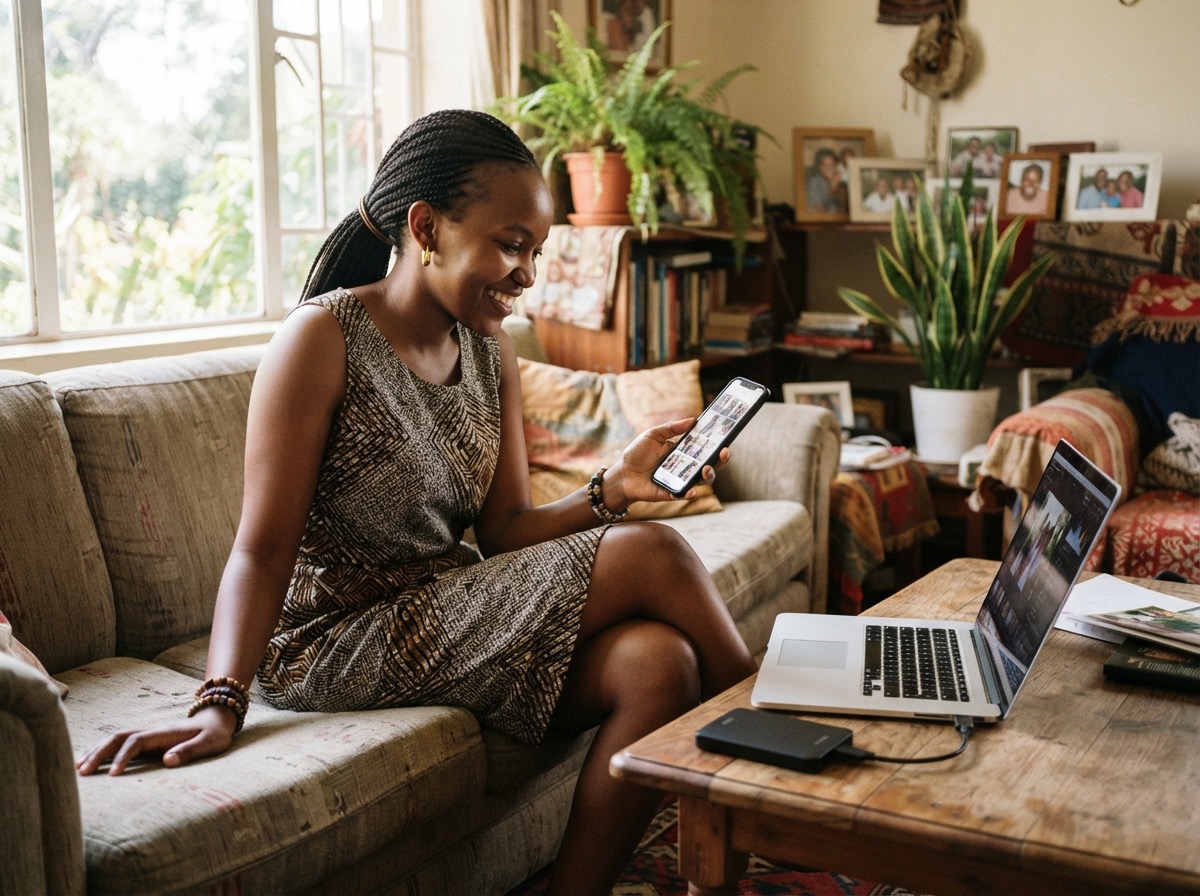
- A drive or computer at home. Put the unzipped folder somewhere you will not delete by accident.
- One more place. A second drive kept with a trusted relative, or a private cloud folder.
Give the folder a clear name, such as "Neema family album, copy of November 2026", so anyone can see how recent it is.
How often to take a copy
You do not need to do this every week. A good rhythm is:
- Once or twice a year, for example every December when the family gathers.
- After a big event, such as a wedding, a reunion or a funeral, when many new photographs and stories have been added.
- Before any big change, such as moving house, changing your email or choosing a different plan.
Put a reminder in your phone today. The best copy is the one you actually made.
Check it once
Do not wait for an emergency to find out whether your copy works. After you download, open the folder. Look at three or four photographs. Open the spreadsheet and check that the captions and names are there. This takes two minutes and gives real peace of mind.
A short checklist
- Ask the album owner to take a full copy.
- Unzip it, and join all the parts if there is more than one.
- Open a few photographs and the spreadsheet to check them.
- Save the folder in a second place, and a third.
- Write the date in the folder name.
- Set a reminder to do it again in six months.
Your family's memories are worth keeping safe in more than one way. A home you can leave freely is a home you can trust.
If you would like a private place for photographs, names and stories that you can always take with you, you can try Album and look around the demo album first.