Choosing photographs for a funeral slideshow
In this guide
Decide who will do itHow many photographs?Tell the story in orderWhat makes a good choiceWhat to leave outGather the photographsAdd short words if you likeCheck it before the dayKeep the photographs afterwardsHow Album helpsWhen someone has passed on, the family has only a few days to do many things. One of them is the slideshow: the photographs that play on a screen before or during the service, so that everyone can remember the person together. Done well, it is one of the most loved parts of the day. Done in a rush, it can be a muddle of blurred pictures that nobody can name.
Here is a calm way to choose the photographs, even when time is short.
Decide who will do it
One person should be in charge of the slideshow. Choose someone steady who is not carrying the whole funeral: a grandchild, a niece or a close friend of the family often does it well. Everyone else sends photographs to that one person, so you are not chasing pictures from ten phones on the night before.
How many photographs?
A good rule is about one photograph for every year of the person's life, up to 60 or so. Each photograph can stay on the screen for 5 to 8 seconds. A show of 40 photographs then runs for about four to five minutes, which is long enough to feel full and short enough to hold everyone's attention. If the service is long, you can use a longer show, but short and well chosen is better than long and tiring.
Tell the story in order
Photographs feel most natural when they follow a life, from the start to the end:
- Childhood. Baby pictures, school days, the old family home.
- Young adult years. Friends, first jobs, graduations.
- Marriage and family. The wedding, the children arriving, family gatherings.
- Working life and community. The shop, the farm, the church, the office, the village.
- Later years. Grandchildren, celebrations, quiet times at home.
You do not need all five. A life is not a checklist. What matters is that the person looks like themselves.
What makes a good choice
- Pictures where the person is smiling or doing what they loved. Gardening, cooking, singing, laughing with a friend.
- Pictures with other people in them. Many who come to the funeral will find themselves on the screen, and that is a comfort to them.
- A few from long ago. Old prints from the 1960s, 70s and 80s are often the ones the elders will talk about for years.
- Clear, sharp pictures. A small blurred picture looks worse on a big screen. Pick the best copy you can find.
- A mix of single and group photographs.
What to leave out
- Photographs where someone in the family would be embarrassed or hurt to see them.
- Pictures from the person's final illness, unless the family has agreed together.
- Anything the family would not want shared with the wider community. When in doubt, ask the closest relatives.
- Pictures that show people who have since fallen out with the family, unless the family is at peace with it. Ask quietly and decide kindly.
Gather the photographs
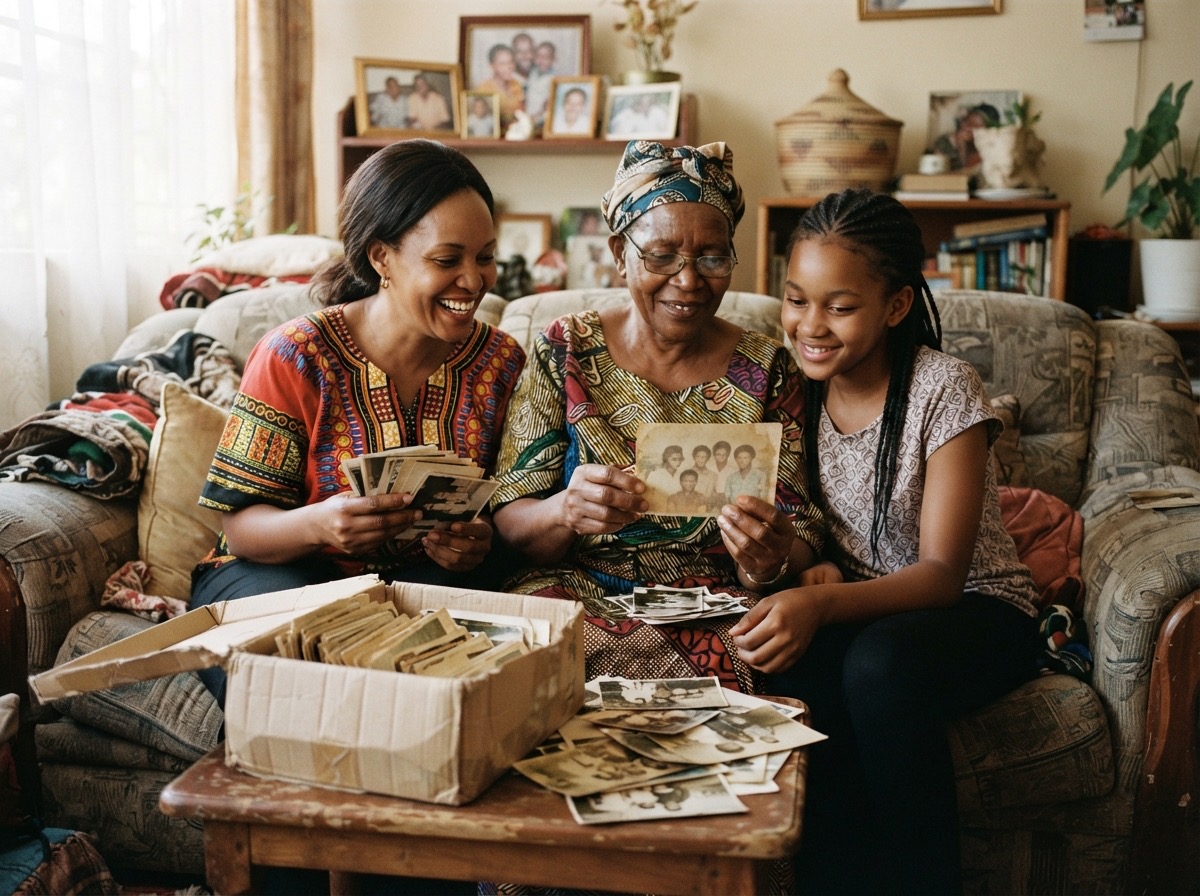
Ask relatives to send what they have, and ask for the original file, not a picture that has been forwarded again and again on WhatsApp, because every forward makes it smaller and blurrier. For old printed photographs, photograph or scan them in good daylight, straight on, with no shadow across the picture.
Write down, for each photograph, who is in it, the year (even roughly) and the place. The person putting the slideshow together will thank you, and the same notes can go into the funeral programme.
Add short words if you like
You do not need a caption on every slide. A few simple lines, such as the year or a favourite saying of the person, are enough. Music that the person loved, played softly, often says more than words.
Check it before the day
- Play the whole show once on the same kind of screen, or ask the venue for a test.
- Keep a copy on a flash disk and another on a phone, in case one fails.
- Check the order and that no slide is upside down.
- Share a copy with the family afterwards. It is often watched again and again in the months that follow.
Keep the photographs afterwards
When the funeral is over, the photographs gathered for the slideshow are among the best a family will ever collect in one place. Do not let them go back to ten phones and be lost. Keep them together, with the names and years you wrote down.
How Album helps
Album is a private place where a family keeps its photographs and stories. When you upload, you can add a caption, the date, and the people in each photograph, and the owner can invite relatives from the Members tab so everyone's pictures end up in one place. Photographs are stored exactly as you uploaded them, without being resized unless you choose Save space.